As Mr. Simon Seagrave has pointed out, there is a fix available to enable OSX Lion Time Machine support for Iomega IX2 and IX4 NAS storage devices.
I decided to take this a little step further, and try to upgrade my old (and discontinued) Iomega IX2-200 to the new IX2-200 Cloud Edition firmware.
Initially this was a big failure, as I seemingly managed to brick my device. It was only responding to pings (so the TCP/IP stack was loaded and working), but I could not bring up the web based management tool nor connect via telnet or SSH.
Thankfully Will van Antwerpen had investigated the firmware upgrade to cloud edition a bit more than I had, and pointed me to the General NAS-Central Forums where I found a link to a great HowTo explaining the entire process: Upgrading Iomega ix2-200 to Cloud Edition.
As that article also mentions, I had to do the process twice to get it to kick in and un-brick my IX2-200 and get it running with the new Cloud Edition firmware.
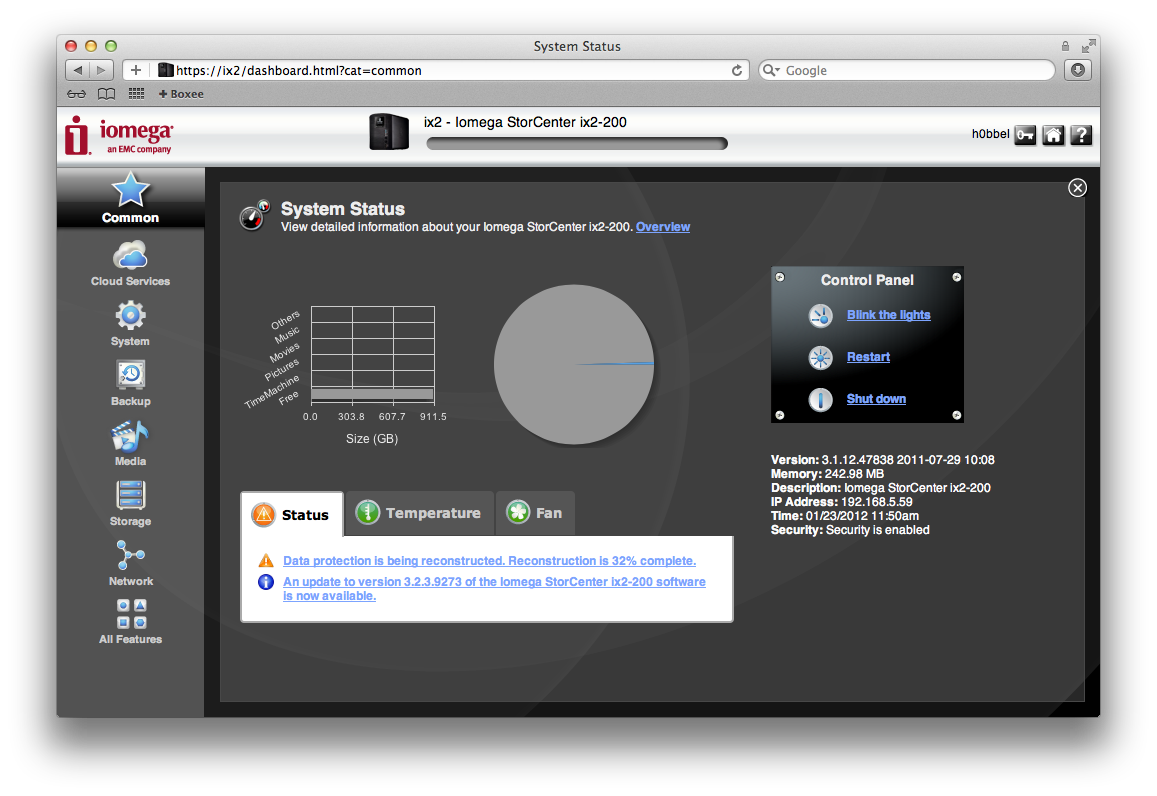
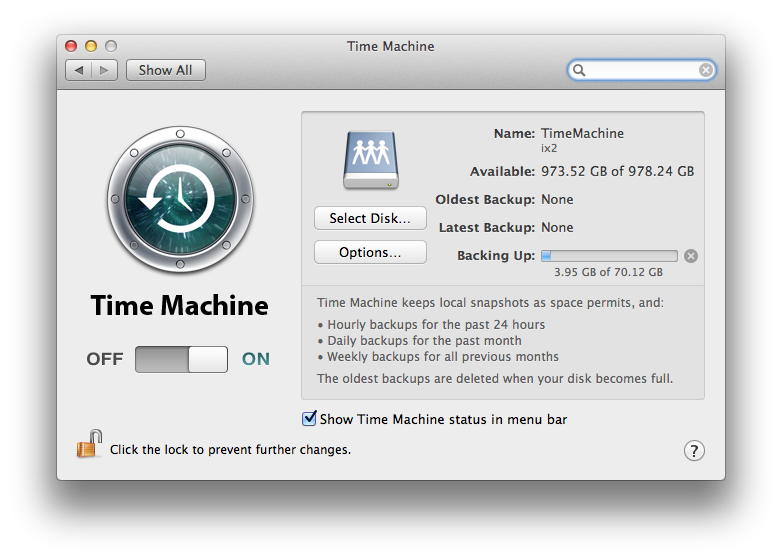
After configuring the IX2 with security and setting up Time Machine on the Macbook Air, Time Machine seems to be running without problems.
Related Posts
- Applescript, Desktop Wallpaper and Growl. Automagically. — Published
- Check for OS X Updates Automatically — Published
- Verifying VMware Downloads — Published
- Markdown All the Things! — Published
- Building an Ubuntu 14.04 Appliance with VMware Studio 2.6 — Published