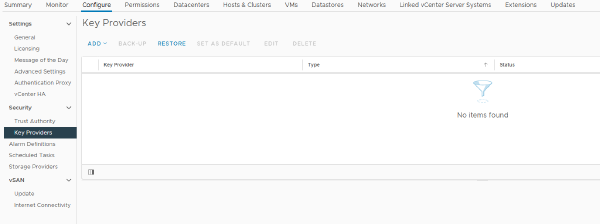

If you are using baselines to update your VMware clusters and see this message on your cluster then it’s about time to move from baseline updating to vSphere Lifecycle Manager images (vLCM).
Here’s a quick guide to how this can be done#
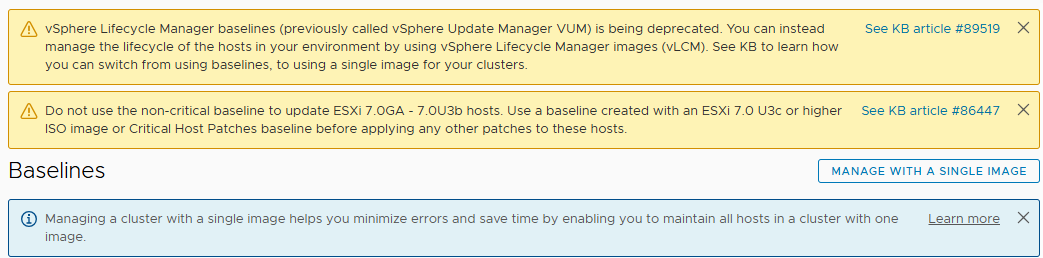
Navigate to your cluster – Updates and pick “manage with a single image”:
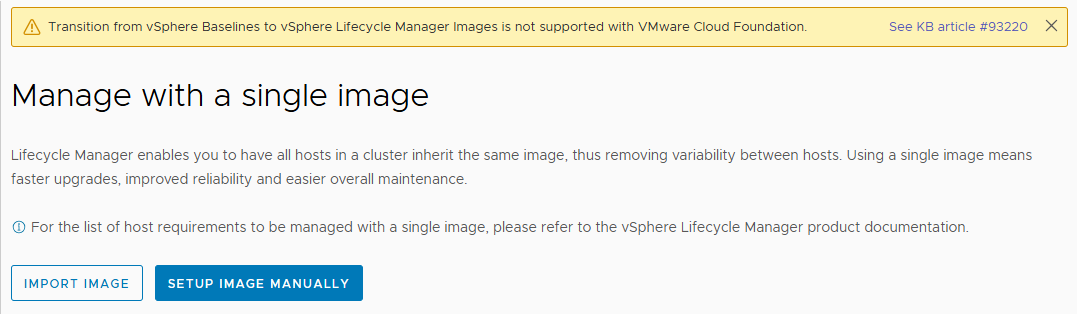
Pick “setup image manually”:
When the “convert to an image” menu appears you are presented with choices on what ESXi version you want your cluster to use, vendor addon, firmware and drivers addon and components:
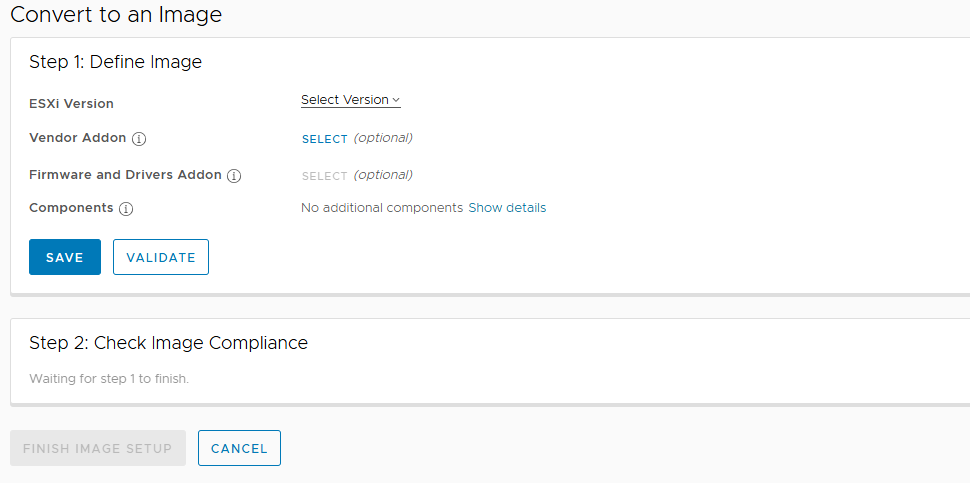
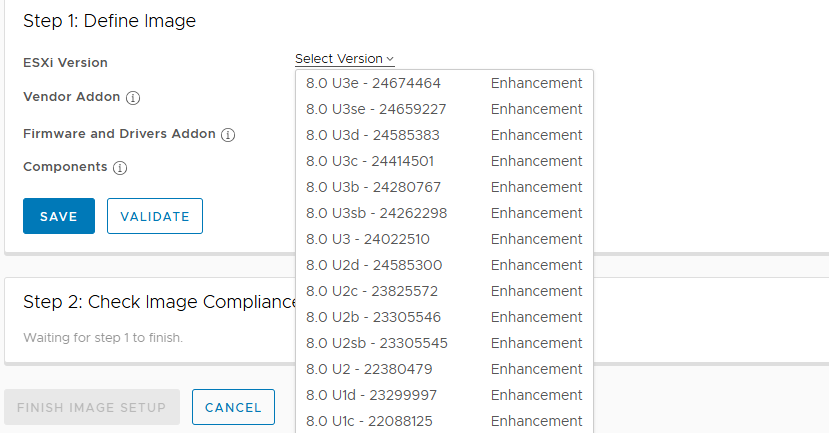
Pick the right configuration you want for your cluster and check that all your choices are compatible by checking with the “validate” button. When you are satisfied with your configuration and everything is valid press “finish setup”:
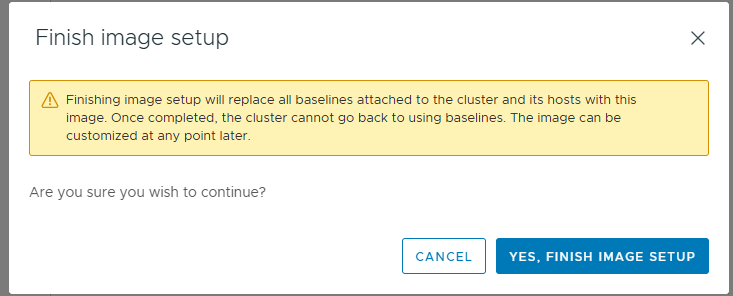
You are now using vLCM images to update your cluster!