VMware Workstation 8 brings a lot of new features and enhancements to the table, and I’ve been lucky enough to play around with it in the beta program.
New User Interface
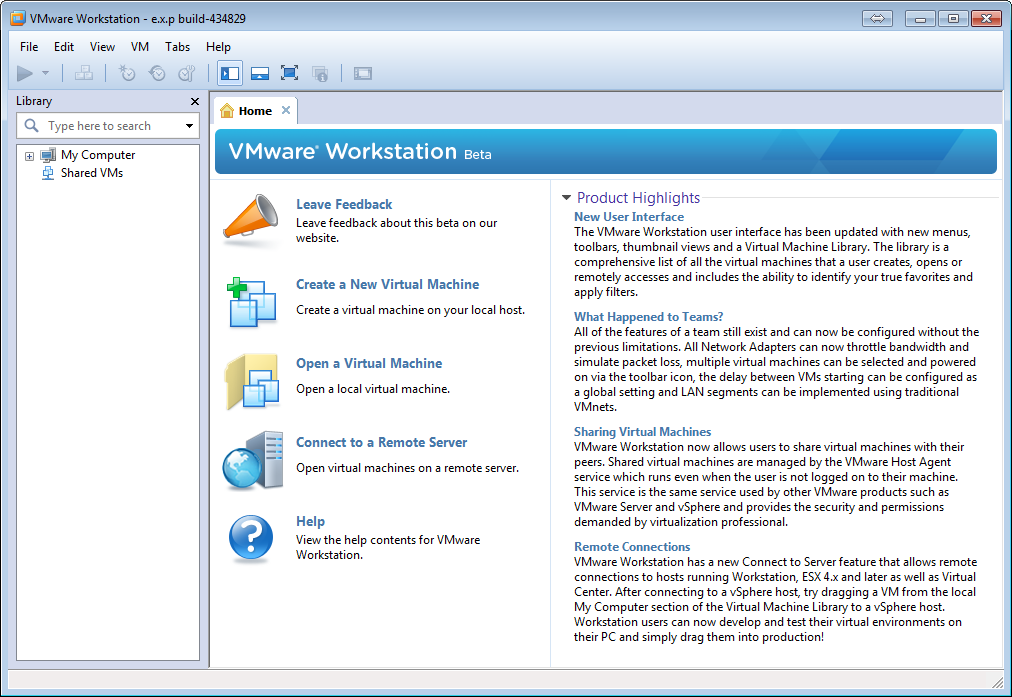
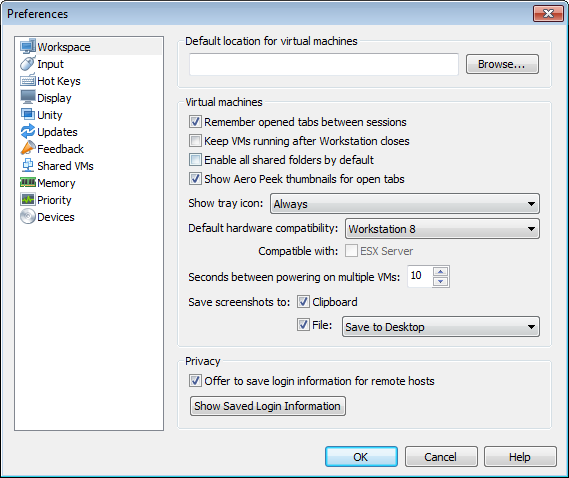
The user interface has been updated with new menus, toolbars, and an improved preferences screen.
Remote Connections
Connect to Server feature allows remote connections to hosts running Workstation, ESX 4.x and Virtual Center. You can now use Workstation as a single interface to access all of the VMs you need regardless of where they reside.
Upload to vSphere
Integrated vSphere drag and drop integration. Automatic usage of OVFTool enables easy uploading of VMs from VMware Workstation to ESX hosts or vCenter. Move workloads from local test environment into production environment with a few mouse clicks.
Share your VMs
This new features allows you to control who access them from other instances of Workstation, great feature for teams working together or single administrators that access the same VMs from multiple computers. Also, a VM that is shared is started with the host OS without starting the VMware Workstation GUI, similar to how VMware Server worked before it was discontinued.
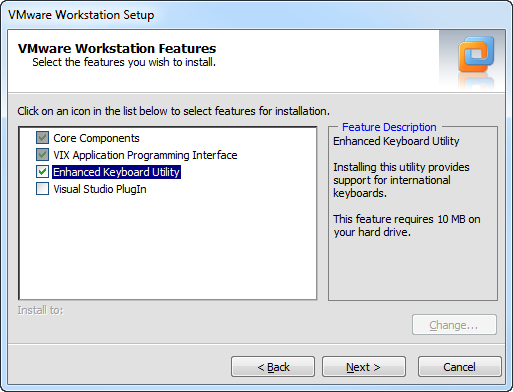
New default keyboard driverTo limit the number of reboots required during installation/upgrade of VMware Workstation, the Enhanced Keyboard functionality is no longer installed by default.
Note: Upgrading from VMware Workstation 7 to 8 keeps and upgrades the existing driver unless VMware Workstation 7 is uninstalled before installing version 8.
Virtual VT-x/EPT or AMD-V/RVIThis is a good one, at least for all of us that run lab environments on our desktops or laptops.
This setting enables you to run 64bit guests inside nested hypervisors like VMware vSphere 5. To enable it, edit the vCPU settings for the particular VM.
Better Teams
Add team attributes to any VM without any of the drawbacks. No longer forced to make a Team in order to manage multiple VMs together.
Improved graphics performance in guests
Improved vSMP
Other Virtual Hardware Improvements
Memory support is now 64GB per VM
HD Audio is available for Windows Vista, Windows 7, Windows 2008, and Windows 2008 R2 guests (RealTek ALC888 7.1 Channel High Definition Audio Codec)
USB 3.0 support for Linux guests. (Not available for Windows guests)
Bluetooth devices can be shared with Windows guests